Rabbitmq increase socket limit - file descriptors
Modified on Mon, 23 Jun, 2025 at 9:37 AM
- Check the service file if RabbitMQ is managed by systemctl:
service rabbitmq-server status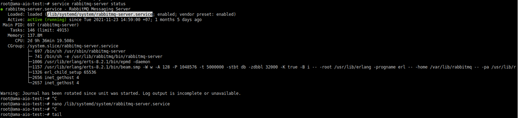
- Add the following line to the service file:
Edit the file:nano /lib/systemd/system/rabbitmq-server.serviceAdd the following
LimitNOFILEline under the[Service]block:[Service] ... LimitNOFILE=65536 ...Then restart the RabbitMQ service:
service rabbitmq-server restart - Check again on the RabbitMQ monitoring page.
- Expected values:
File descriptors: 65536
Socket descriptors: 58890
Was this article helpful?
That’s Great!
Thank you for your feedback
Sorry! We couldn't be helpful
Thank you for your feedback
Feedback sent
We appreciate your effort and will try to fix the article